DeepLink Server Documentation
Open-source alternative to Branch.io — intelligent deep linking, deferred deep linking, analytics, QR codes and geo-targeting. SaaS managed or self-hosted.
Doc fonctionnelle
Tout comprendre, écran par écran
Quickstart
Up and running in 5 minutes
API: Links
Create, update, delete, QR codes
API: Analytics
Overview, realtime, cohort, funnel
SDKs
iOS, Android, React Native, Flutter…
Guides
Universal Links, Webhooks, A/B Tests
Architecture
Project structure, flows, DB schema
Platform APIs NEW
Banners, LTV, Workflows, Segments, SCIM, Conversions APIs
Playground NEW
Try resolve / match / events live, no auth required
Data Export
Export to GCS, S3 or BigQuery
Settings
Settings & configuration options
Overview
DeepLink Server generates intelligent short links that adapt to the user's platform: they open the app directly if installed, redirect to the store otherwise, and remember the intent to restore it at the first launch.
Direct Deep Link
Opens the right screen via URI scheme or Android intent. Automatic fallback to store or web.
Deferred Deep Link
Remembers the click before install. The app retrieves context at first launch via IP+UA fingerprinting.
Universal / App Links
Eliminates the intermediate page — iOS and Android open the app directly without going through the browser.
Analytics
Clicks, installs, conversion rate, breakdown by platform and country, time series.
Targeting
Whitelist / blacklist by country (ISO 3166-1). Restriction by device type (iOS, Android, Desktop).
Controls
Expiration by date (expires_at) and click capping (max_clicks). Returns HTTP 410 automatically.
Recently shipped
The platform layer added 30+ new features across waves 2-5 — see the full Platform API reference.
Smart Banners 2.0
3 variants (bar / interstitial / floating), positions, A/B groups with weighted pick, visual configurator, 5 built-in templates + user-saved presets.
LTV & ROAS
Cohort cumulative revenue (D1/D7/D30/D90) and revenue ÷ ad-spend per campaign. Daily / weekly digest reports.
Ad-network Conversions APIs
Server-side postbacks to Meta (Conversions API), Google Ads (gclid upload), TikTok (Events API). PII hashed server-side.
Referral links
Per-user referral codes + claim attribution. Rate-limited claim endpoint protects against farming.
Workflow engine
"If this then that" automations with conditions ($in / $gt / $regex…) and actions (webhook / slack / tag_link). 10 s timeout, depth ≤ 3 to prevent loops.
Audience segments
Saved filters over clicks/events for targeting webhooks and exports.
SCIM 2.0
Auto-provisioning compatible with Okta, Microsoft Entra and Google Workspace. Rate-limited per tenant.
Segment / Amplitude / Mixpanel
Native event forwarding to all three. Single tenant config in Settings → Integrations.
Cloud Pub/Sub webhooks
Parallel delivery alongside HTTP webhooks. Per-tenant SA key, encrypted at rest.
Firebase Dynamic Links importer
One-shot bulk import of FDL exports — shortLinks / longDynamicLink / iosInfo / androidInfo / socialMetaTagInfo.
AI link optimizer
Auto-suggest title, OG copy and tags via Claude Haiku 4.5.
Encrypted secrets
All tenant SA keys / OAuth tokens encrypted at rest with AES-256-GCM. Master key in GCP Secret Manager. Versioned format for future rotation.
Quickstart
Get a short link running in under 5 minutes using Docker Compose.
-
Clone the repository
git clone https://github.com/your-org/deeplink-server.git cd deeplink-server -
Copy and edit the environment file
cp .env.example .env # Edit BASE_URL, API_SECRET, ADMIN_EMAIL, ADMIN_PASSWORD -
Start with Docker Compose
docker compose up -d -
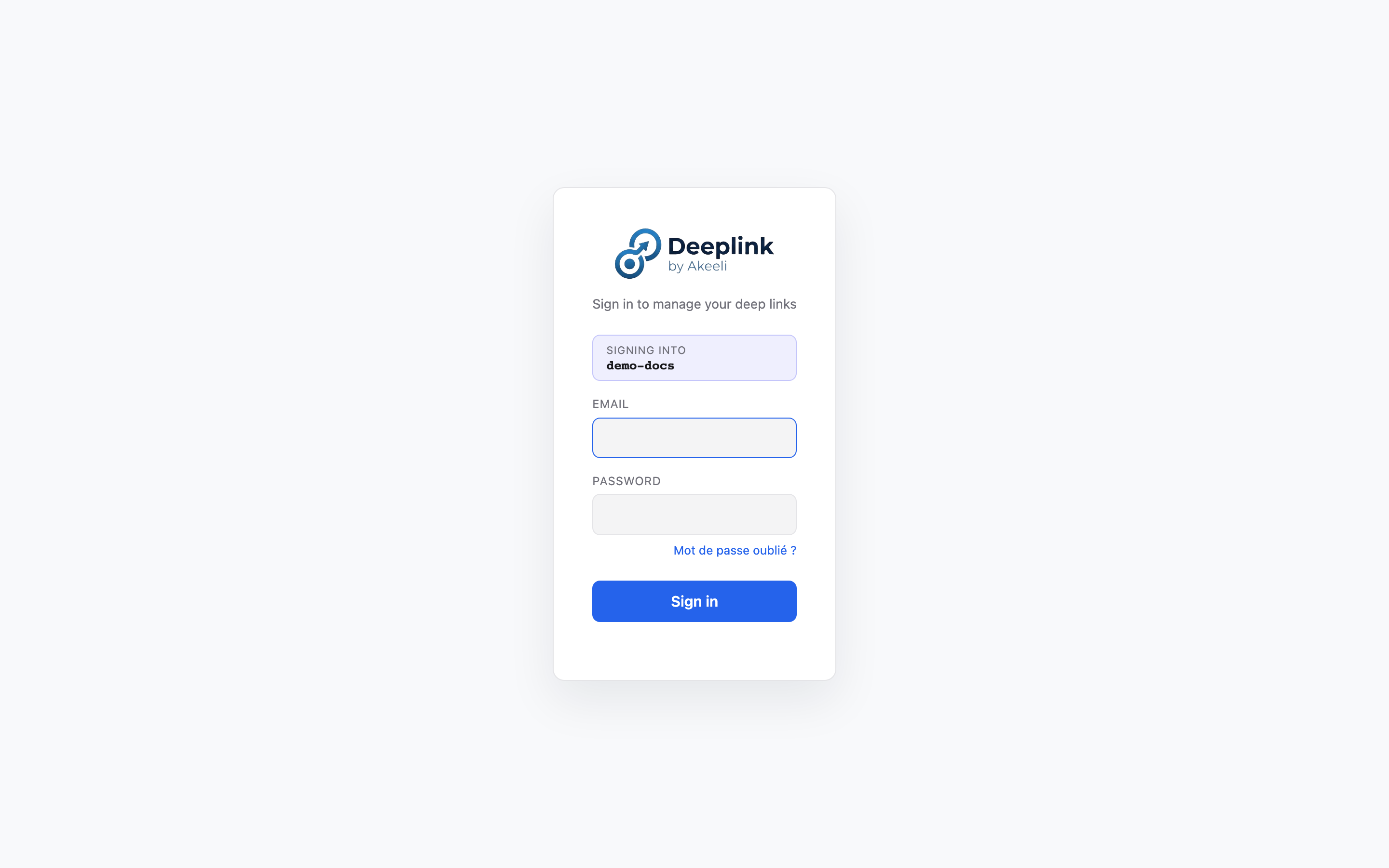
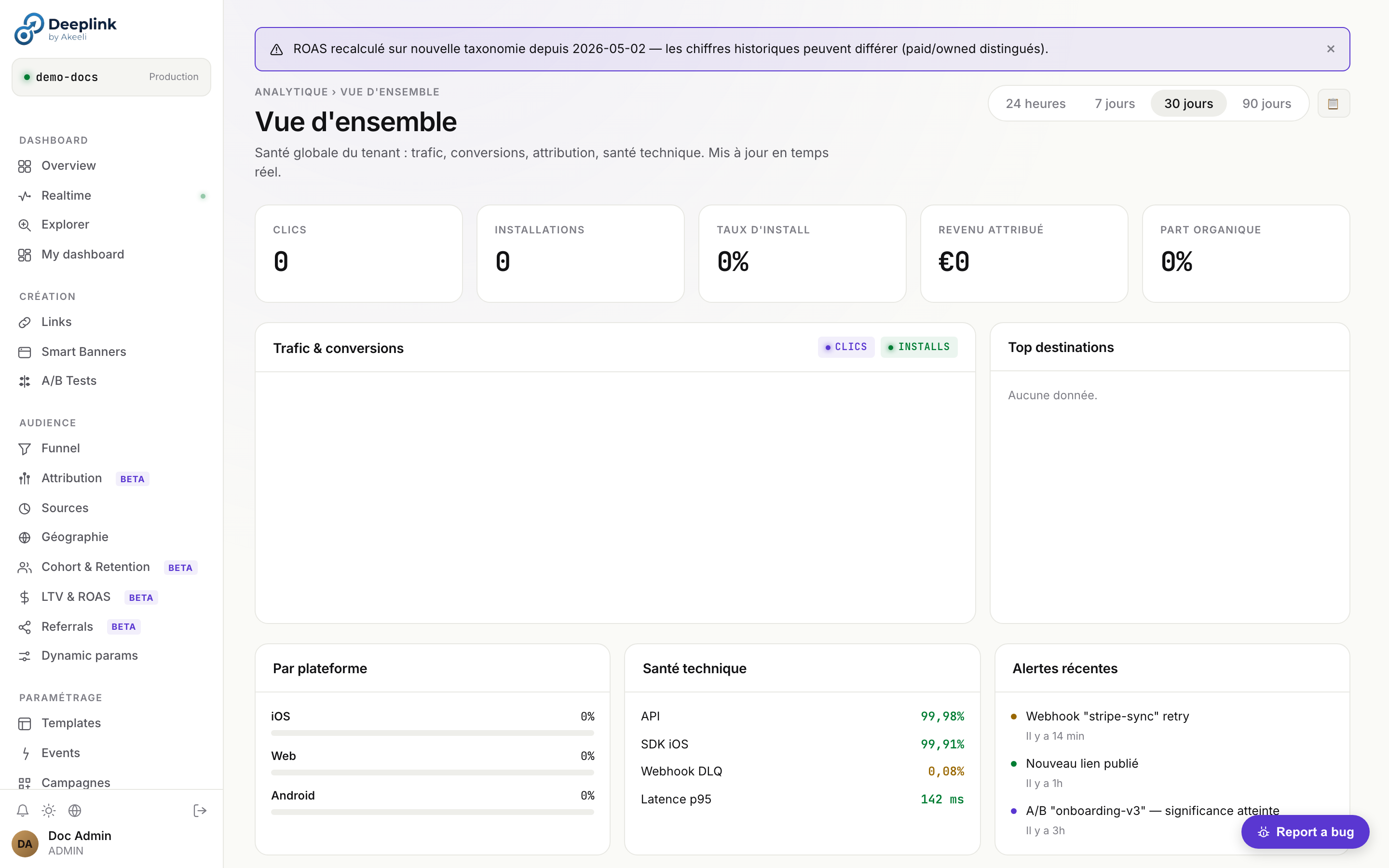
Open the dashboard
open http://localhost:3000/dashboard.htmlLogin with
ADMIN_EMAIL/ADMIN_PASSWORDfrom your.env. -
Create your first link via API
curl -X POST http://localhost:3000/api/v1/links \ -H "X-Api-Key: your-api-secret" \ -H "Content-Type: application/json" \ -d '{ "title": "My First Link", "ios_uri_scheme": "myapp://product/42", "ios_store_url": "https://apps.apple.com/app/id123", "android_uri_scheme": "myapp://product/42", "android_store_url": "https://play.google.com/store/apps/details?id=com.ex", "web_url": "https://example.com/product/42" }' -
Use the short URL
The API returns a
short_urllikehttps://links.yourapp.com/abc123. Share it — it works on iOS, Android, and desktop. -
Integrate the SDK
Add the SDK to your mobile app. See SDK Integration for all platforms.
Installation
Three deployment modes are available depending on your needs.
SaaS (Managed)
No infrastructure to manage. Sign up and get started immediately. Scales automatically.
Contact us for access to the managed cloud service.
Docker Compose (Recommended)
Easiest self-hosted option. Includes all dependencies.
cp .env.example .env
# Edit BASE_URL, API_SECRET…
docker compose up -d
Manual (Node.js)
Full control. Requires Node.js 22+ and optionally PostgreSQL.
# Install dependencies
npm install

# Configure environment
cp .env.example .env
# Edit .env — set BASE_URL, API_SECRET, etc.

# Start the server
npm start

# Development mode (auto-restart on changes)
npm run devDATABASE_URL in your .env. See Configuration below.Configuration — Environment Variables
| Variable | Default | Description |
|---|---|---|
| PORT | 3000 | Listening port |
| BASE_URL | http://localhost:3000 | Public URL — used in generated short_url values |
| API_SECRET | (empty) | API key. Empty = auth disabled (dev only) |
| CORS_ORIGINS | * | Allowed CORS origins (comma-separated) |
| DB_PATH | ./data/deeplink.db | SQLite file path (ignored if DATABASE_URL is set) |
| DATABASE_URL | (empty) | PostgreSQL connection string — switches to PG mode |
| PGSSLMODE | (empty) | Set require for TLS (cloud PG) |
| APPLE_TEAM_ID | (empty) | Apple Team ID (10 chars) — Universal Links |
| APPLE_BUNDLE_ID | (empty) | iOS Bundle ID — Universal Links |
| ANDROID_PACKAGE | (empty) | Android package name — App Links |
| ANDROID_SHA256 | (empty) | SHA-256 fingerprint(s) of the Android signing cert (comma-separated) |
| JWT_SECRET | = API_SECRET | HS256 secret for signing local JWTs. Use openssl rand -hex 32 |
| JWT_TTL_SECONDS | 28800 | JWT lifetime (8 hours) |
| ADMIN_EMAIL | admin@local | Admin account email created on first start |
| ADMIN_PASSWORD | admin | Initial admin password — change this |
| OIDC_ISSUER | (empty) | OIDC IdP URL (e.g. https://org.okta.com/oauth2/default). Enables OIDC mode |
| OIDC_AUDIENCE | (empty) | Expected audience in OIDC tokens |
| OIDC_ROLE_CLAIM | groups | Claim containing user groups |
| OIDC_ADMIN_VALUE | deeplink-admins | Group value that grants admin role |
| LOCAL_LOGIN_DISABLED | 0 | Set 1 to force SSO and hide the local login form |
| GCP_PROJECT_ID | (empty) | GCP project for gcp-sm:// Secret Manager references |
| GOOGLE_CLOUD_PROJECT | (empty) | Required if GCP_SECRET_MANAGER=true or Cloud Logging viewer enabled |
| GOOGLE_APPLICATION_CREDENTIALS | (empty) | Path to service account JSON (else uses ADC / Workload Identity) |
| REDIS_URL | (empty) | Redis URL — read in config but not yet wired; placeholder for multi-instance rate-limit / idempotency |
| CLOUD_SCHEDULER_TICK_TOKEN | (empty) | Shared secret for POST /api/v1/internal/tick. If absent → setInterval fallback. Recommended in prod multi-instance |
| SMTP2GO_API_KEY | (empty) | SMTP2GO API key (alternative to SMTP_HOST classic) |
| GOOGLE_ADS_DEVELOPER_TOKEN | (empty) | Google Ads developer token — required for ad-sync (import campaign costs) |
| GOOGLE_ADS_CLIENT_ID | (empty) | Google Ads OAuth client ID |
| GOOGLE_ADS_CLIENT_SECRET | (empty) | Google Ads OAuth client secret |
| GOOGLE_ADS_REFRESH_TOKEN | (empty) | Google Ads OAuth refresh token (long-lived) |
| GOOGLE_ADS_LOGIN_CUSTOMER_ID | (empty) | MCC parent customer ID (multi-account setup) |
| TIKTOK_APP_ID | (empty) | TikTok Ads App ID — required for ad-sync TikTok |
| TIKTOK_SECRET | (empty) | TikTok Ads secret |
| TIKTOK_ACCESS_TOKEN | (empty) | TikTok Ads access token (long-lived) |
| TIKTOK_ADVERTISER_ID | (empty) | Default TikTok advertiser ID |
| ANTHROPIC_API_KEY | (empty) | Anthropic API key — used by MEGA-AI features (currently out-of-scope, cf. pilotage/hors-scope.md) |
| BRAND_NAME | DeepLink | Brand name shown in dashboard + emails (white-label) |
| BRAND_LOGO_URL | default logo | URL of logo shown in dashboard header |
| BRAND_FAVICON_URL | default favicon | URL of favicon |
| BRAND_PRIMARY_COLOR | #4f46e5 | UI primary color (buttons, links) — CSS var --color-primary |
| BRAND_SUPPORT_EMAIL | (empty) | Support email shown in dashboard footer |
gcp-sm://<secret-name> reference. The server resolves the reference at startup and writes the real value to process.env. See Architecture for details.Database Configuration
SQLite (default)
No configuration required. The file is created automatically. Migrations are applied at startup.
# .env
DB_PATH=./data/deeplink.db

npm start
PostgreSQL 14+
Deploy the schema once, then start with DATABASE_URL.
# Create the database
psql -U user -c "CREATE DATABASE deeplink;"
psql -U user -d deeplink -f schema.sql

# .env
DATABASE_URL=postgres://user:pass@host:5433/deeplink

npm start